 Owlect
Creating Your First Collection
How to create your very first collection in Owlect.
Last updated
Create your first collection
After you finish the quick onboarding questions, Owlect takes you straight into creating your first collection. If you picked a single type of thing you collect, the new-collection form is already set to that type — just give it a name. If you picked several types (or skipped that step), you'll see the type picker first, with your preferred types listed at the top.
You can create more collections anytime from your dashboard. Here's how the form works:
Step by step:
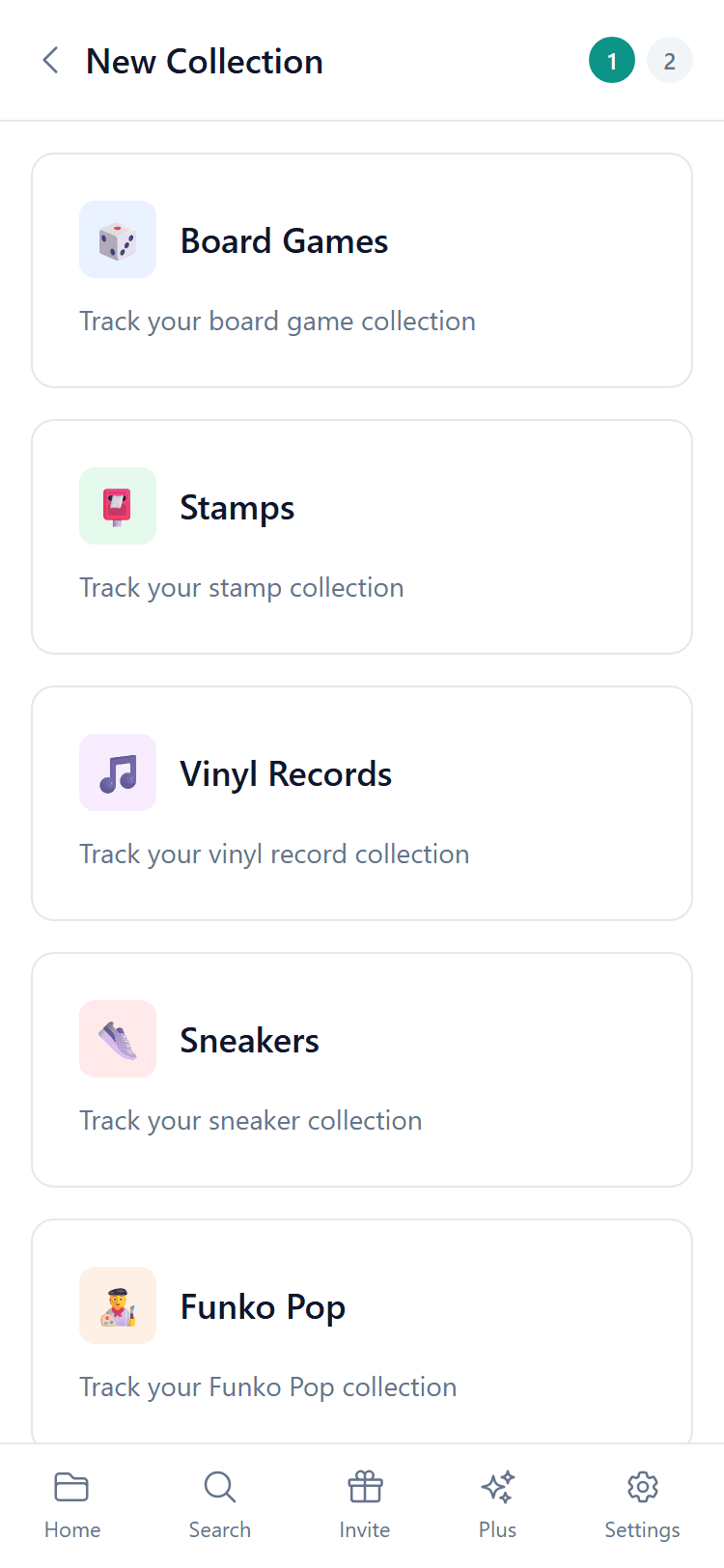
What is a collection type?
The collection type tells Owlect what kind of items you are tracking. This is helpful because:
Can I change the type later?
The type is set when you create the collection and cannot be changed later. But you can always create a new collection with a different type!
What's next?
Now that you have a collection, it's time to add your first item! Check out the "Adding Items" article to learn how.