 Owlect
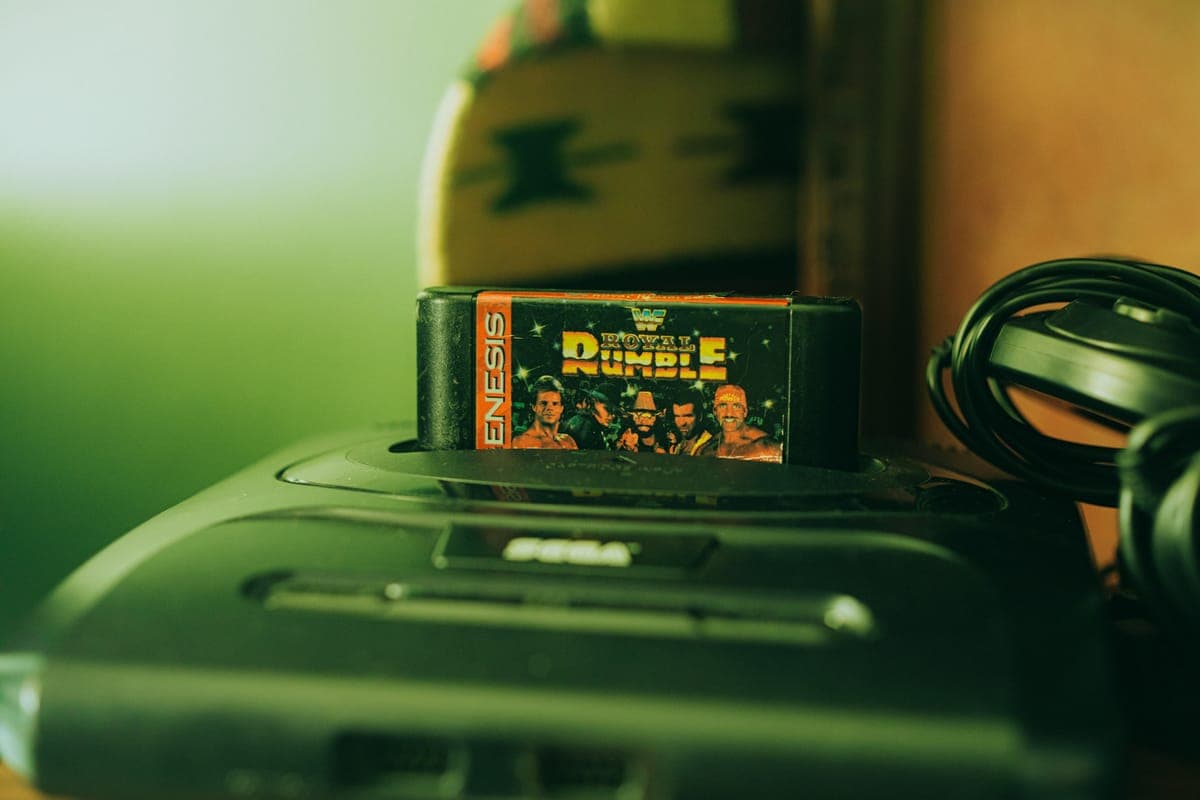
Catalog Your Video Game Collection
From cartridges to current-gen
From NES cartridges to PS5 discs, organize your video game library with platform, publisher, condition, and region tracking. TheGamesDB autocomplete fills in the details, with real depth on the cartridge and disc era.
See what a Video Games collection looks like in Owlect
28 items, tracked on Owlect by @owlect
A sample collection built by the Owlect team.
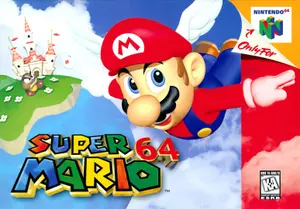
Super Mario 64
N64
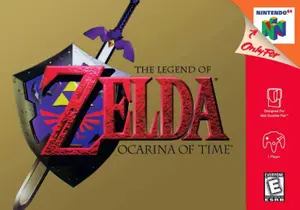
The Legend of Zelda: Ocarina of Time
N64
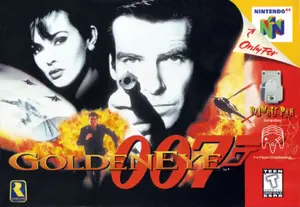
GoldenEye 007
N64
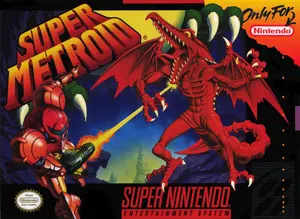
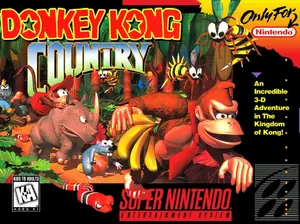
Super Metroid
SNES
How it works
 1
Sign in with Google
 2
Choose "Video Games"
 3
Add items with photos
 4
Share with a link
Everything you need to track Video Games
TheGamesDB autocomplete
Search TheGamesDB when adding games. Name, year, platform, genre, publisher, and box art auto-fill.
Platform tracking
NES, SNES, N64, Switch, PS1-PS5, Xbox through Xbox Series X/S, PC, Steam Deck, and many more.
CIB tracking
Mark games as CIB (Complete in Box), Loose, New/Sealed, Box Only, or Manual Only.
Region codes
Track NTSC-U, NTSC-J, and PAL versions separately.
Box art photos
Upload box art, cartridge, and disc photos for each game.
Share your library
Show off your video game collection with a public link.
Built-in fields for Video Games
Start tracking immediately with pre-configured fields. Add, remove, or customize anytime.
TheGamesDB integration
Search TheGamesDB, a community-maintained game database. Auto-fills name, year, platform, genre, publisher, and box art. Each platform release is its own entry, so the platform matches the version you own.
CSV import
Import your game list from a CSV. Owlect maps Platform, Publisher, Year, and Condition columns automatically.
Add items by photo with AI
Photograph the box, cover or label of a new item and tap Identify with AI. Owlect fills in the name and any fields that are still empty, and you check them before saving.
For example: a photo of the box or cartridge can fill in the platform, publisher, genre and year.
Three ways to view your collection
Switch between views to find what works for you
Gallery
Visual grid with cover photos. Perfect for browsing and showing off.
List
Compact list with key details. Quick overview of your collection.
Table
Sortable spreadsheet view with clickable column headers. Power-user mode.
Frequently asked questions
What platforms are supported?
Atari, NES, SNES, N64, GameCube, Wii, Wii U, Switch, Game Boy line, Sega Genesis through Dreamcast, PS1-PS5, PSP/Vita, Xbox through Xbox Series X/S, PC, Steam Deck, and more. You can also add custom platforms.
Can I track CIB vs. loose games?
Yes, the Condition field includes CIB (Complete in Box), Loose, New/Sealed, Box Only, and Manual Only options.
Can I track different regional versions?
Yes, the Region field supports NTSC-U (North America), NTSC-J (Japan), and PAL (Europe/Australia).
Does the autocomplete cover both retro and modern games?
TheGamesDB covers the retro era in real depth - NES, SNES, Genesis, N64, PS1, Saturn, Dreamcast - and lists modern platforms like PS5, Xbox Series X/S and Switch as well, though newer releases carry thinner details. Anything it misses you can still enter by hand.
Other collection types
Ready to organize your Video Games collection?
Free to use. No credit card required.
Create a collection