 Owlect
Sharing Your Collection
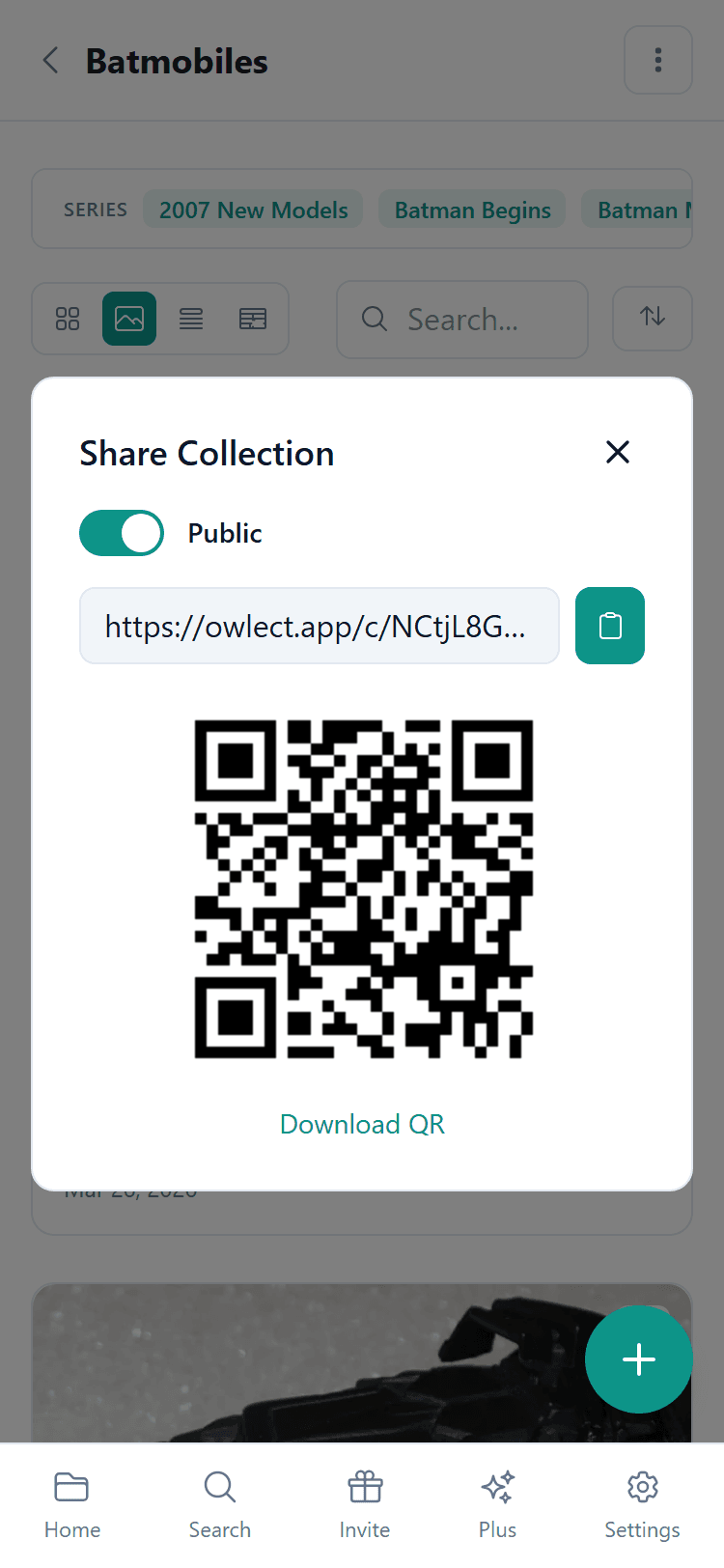
Share your collection with friends using a link or QR code.
Last updated
Sharing your collection
You can make any collection public so that anyone with the link can view it — even people who do not have an Owlect account.
How to share
What do visitors see?
When someone opens your shared link, they see:
Visitors cannot edit or delete anything — they can only look.
QR Code
Owlect creates a QR code for your shared collection. This is handy for:
Share only for-sale items
If you want to use your public page as a marketplace listing, you can enable the "Share only for-sale items" toggle in the Share dialog. When this is on:
This is useful if you want to share a clean "for sale" page without exposing the rest of your collection.
Making it private again
Changed your mind? Just go back to the Share settings and turn off "Public". The link will stop working immediately.
Custom link
Your shared link looks something like `owlect.app/c/my-dolls`. Owlect creates the link name automatically from your collection name.