 Owlect
Photos
How to add and manage photos for your collection items.
Last updated
Adding photos
Every item in your collection can have a photo. Photos make your collection look great and help you recognize items quickly.
How to upload a photo
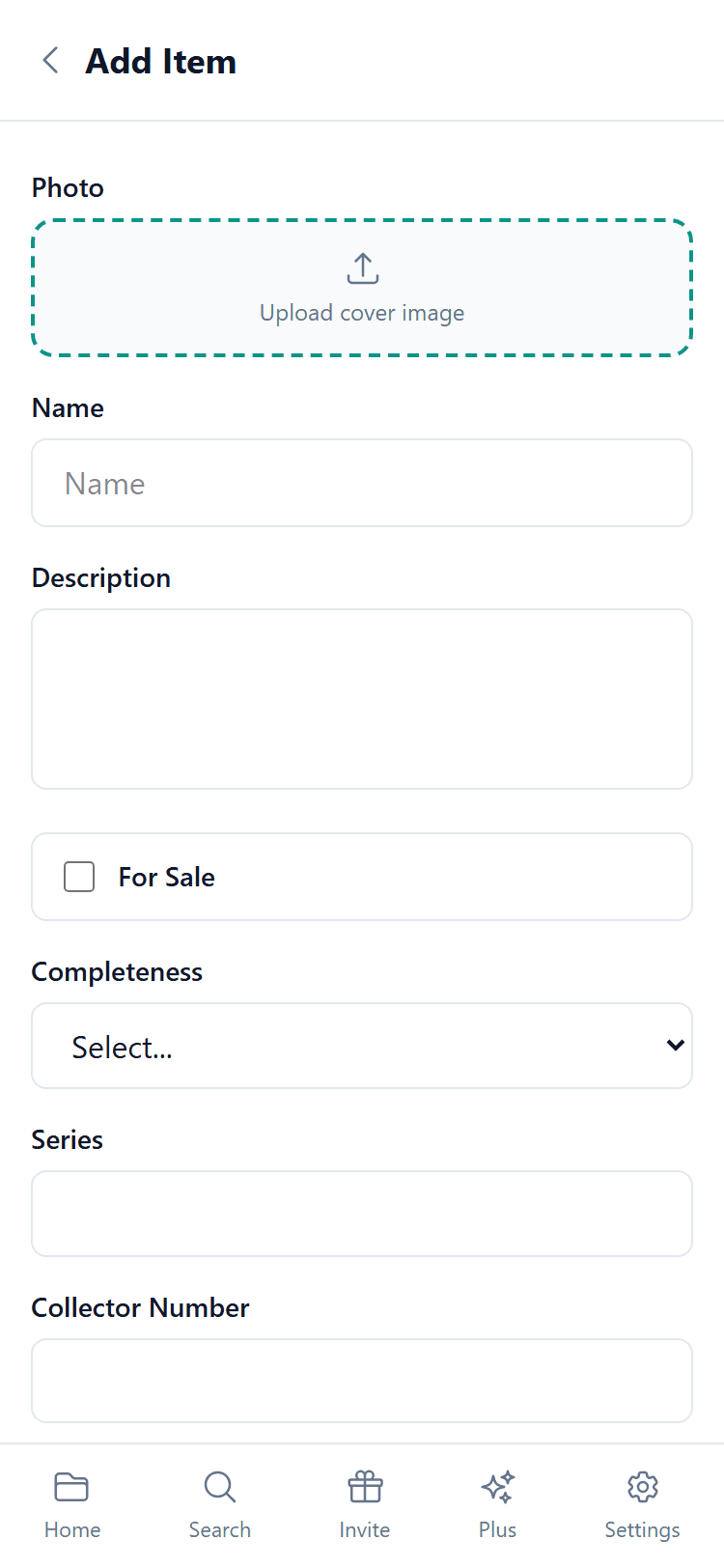
Tips for good photos
Automatic photos from search
When you use smart search to add an item, Owlect often finds a photo from the database. This photo is used as the default, but you can always replace it with your own.
If you upload your own photo, it will always be kept on items you added yourself and on items synced from BoardGameGeek, for as long as the item is in your collection - Owlect does not replace it there. If a game is no longer part of what you sync from BoardGameGeek, the next sync removes the item from Owlect and your photo goes with it. On items synced from Discogs a re-sync can put the original cover back in place of your photo, so to keep every photo as it is, disable sync in the integration settings on the Import page.
Photo quality
Owlect automatically makes your photos smaller so they load fast, while keeping them looking sharp. You do not need to resize photos before uploading.