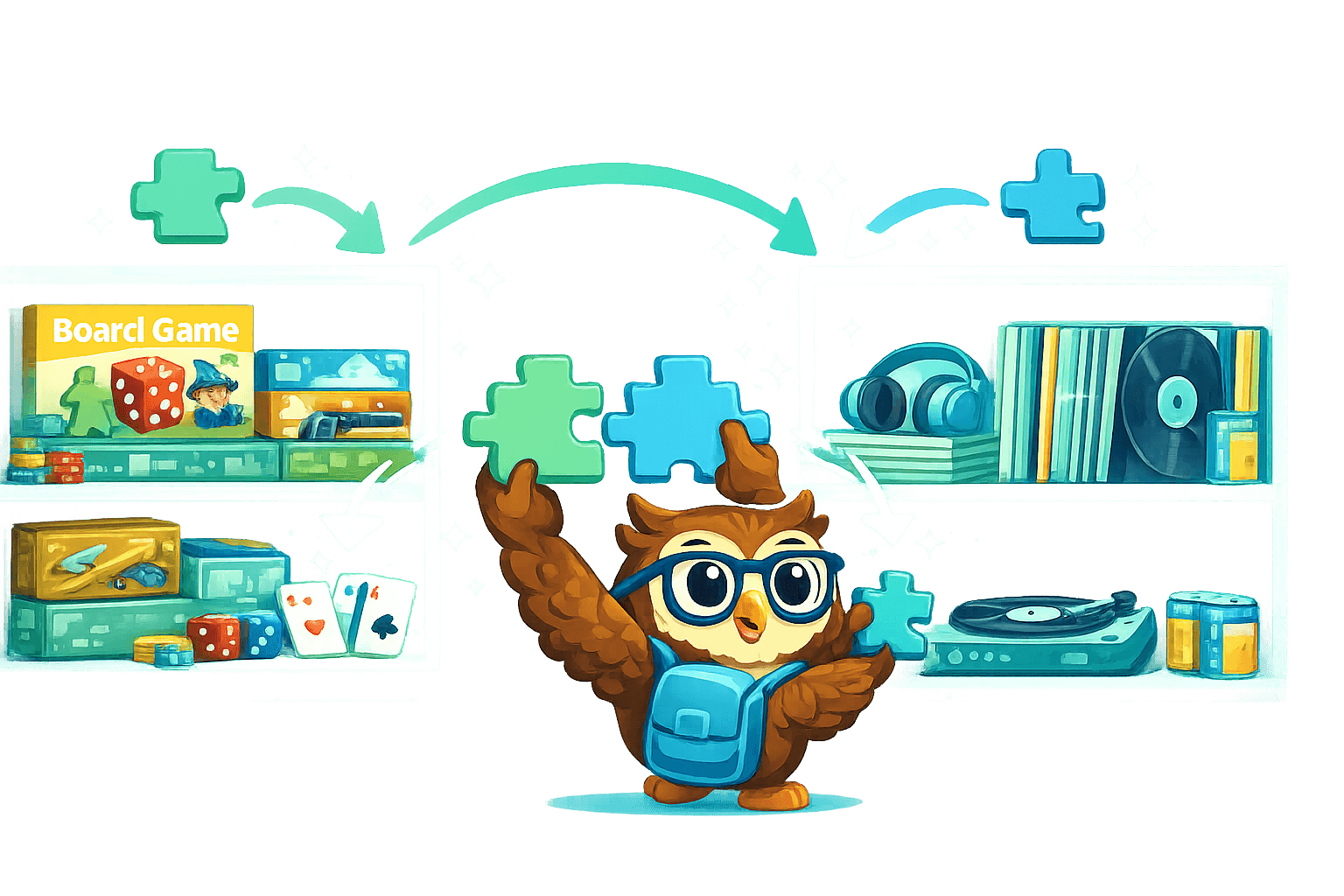
BoardGameGeek Sync
Connect your BGG account and import your entire board game collection with one click.
Username Sync — enter your BGG username and Owlect pulls in your collection, including names, images, player counts, play time, and publication year.Expansions Handled — base games and expansions are fetched separately with correct tagging. Use the "Hide Expansions" toggle to keep your view clean.Auto-Fill on Add — when adding a new board game, start typing and Owlect searches BGG in real time. Select a result and all fields populate automatically.Discogs Integration
Vinyl collectors can now connect their Discogs account and sync their record collection.
OAuth Connection — securely connect via Discogs OAuth. No passwords shared.Collection Sync — import your entire Discogs collection with album art, artist, label, genre, format, and year.Vinyl Autocomplete — when adding records manually, search Discogs for instant auto-fill with metadata and cover images.CSV Import
For collections that live in spreadsheets, we built a proper import tool.
Smart Delimiter Detection — automatically detects commas, tabs, and semicolons. Handles quoted newlines and BOM characters.Column Auto-Mapping — Owlect matches CSV column headers to your collection fields by name, label, and common aliases.Preview Table — see exactly how your data maps before importing. Adjust column assignments with dropdowns.Cover Fetching — for items with Discogs release IDs, cover images are fetched automatically with a progress bar.Ready to organize your collection?
Free forever for your first three collections. No credit card, no ads.
Create a collection Owlect