 Owlect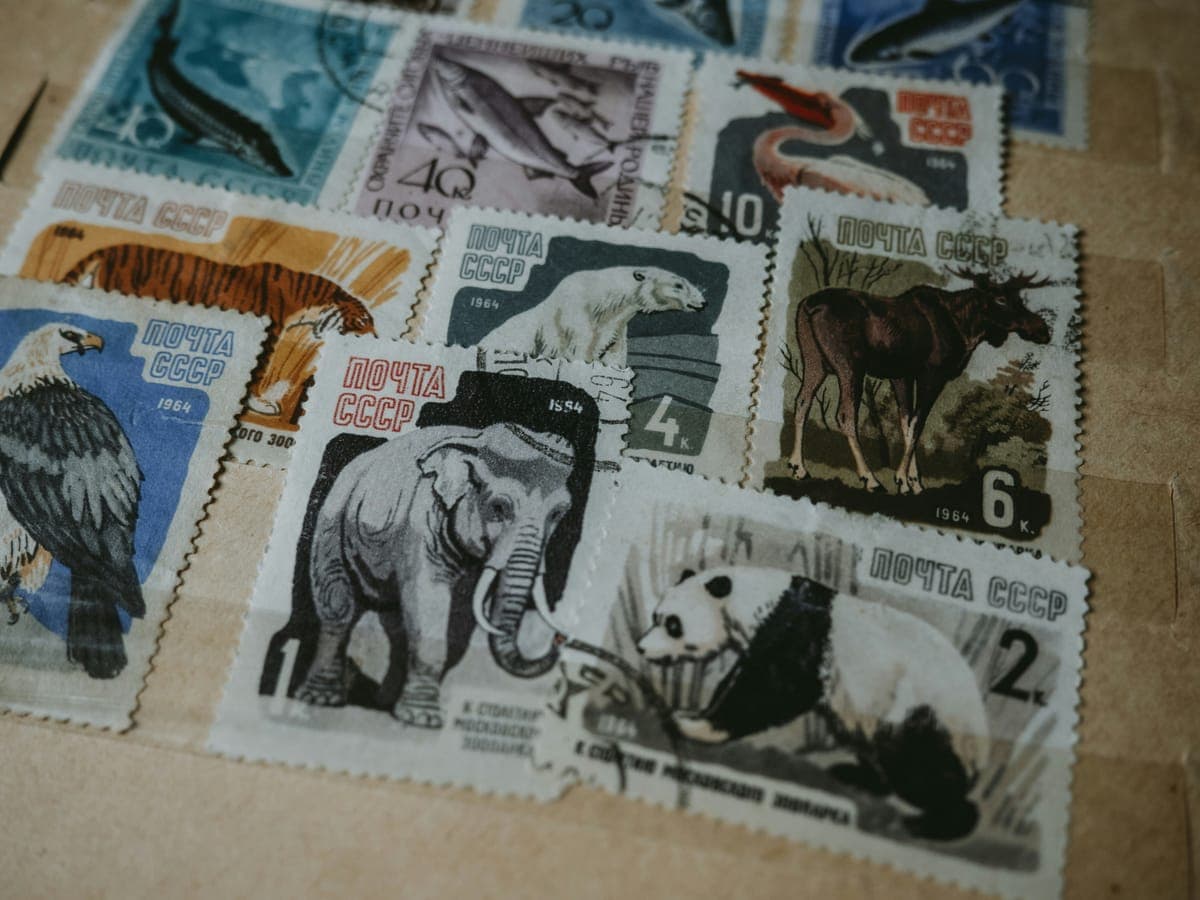
Catalog Your Stamp Collection
Philately made digital
Organize your philatelic collection with country, year, denomination, and condition tracking. Record catalog numbers and perforation details. Perfect for beginners and experienced collectors.
How it works
 1
1Sign in with Google
 2
2Choose "Stamps"
 3
3Add items with photos
 4
4Share with a link
Everything you need to track stamps
Country tracking
Organize stamps by country of origin and browse by region.
Condition grading
Rate stamps as Mint, Unused, Used, or Damaged.
Perforation tracking
Mark stamps as perforated or imperforate.
Catalog numbers
Record Scott, Michel, or other catalog system numbers.
Stamp images
Upload high-quality scans or photos of each stamp.
Denomination
Track face value and denomination for each stamp.
Built-in fields for stamps
Start tracking immediately with pre-configured fields. Add, remove, or customize anytime.
CSV import
Import your stamp inventory from a spreadsheet. Country, Year, Denomination, and Condition columns are auto-mapped.
Three ways to view your collection
Switch between views to find what works for you
Gallery
Visual grid with cover photos. Perfect for browsing and showing off.
List
Compact list with key details. Quick overview of your collection.
Table
Sortable spreadsheet view with clickable column headers. Power-user mode.
See what a Stamps collection looks like in Owlect
27 items, tracked on Owlect by @owlect
A sample collection built by the Owlect team.
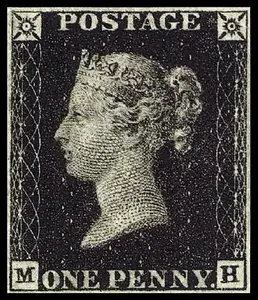
Penny Black
1840
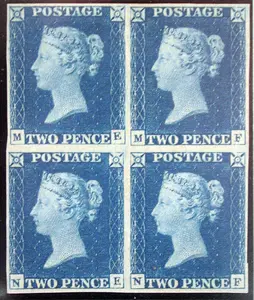
Two Penny Blue
1840
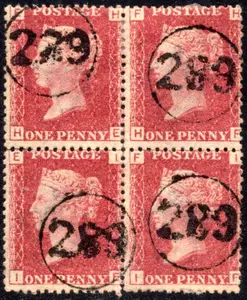
Penny Red with telegraphic cancel
1841
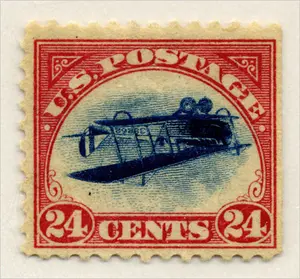
Inverted Jenny
1918
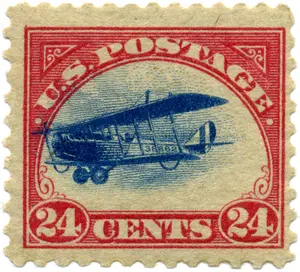
Curtiss Jenny airmail
1918
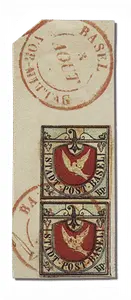
Basel Dove
1845
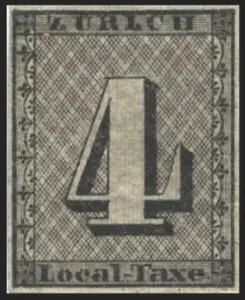
Zurich 4
1843
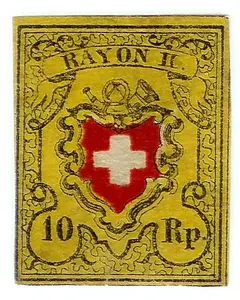
Rayon II
1850
Frequently asked questions
What condition grades are available?
Owlect supports Mint, Unused, Used, and Damaged condition grades for stamps.
Can I record catalog numbers?
Yes, there's a dedicated Catalog Number field for referencing Scott, Michel, or other catalog systems.
Can I organize by country?
Yes, the Country field lets you sort and filter stamps by country of origin.
Can I track perforation?
Yes, there's a Perforated boolean field for tracking perforated vs. imperforate stamps.
Other collection types
Ready to organize your stamps collection?
Free to use. No credit card required.
Create a collection